Your meetings, illustrated.
Pick a style. Paste your post or transcript. Get a shareable visual. No prompting or design skills needed.
4 free credits to start. No card required.
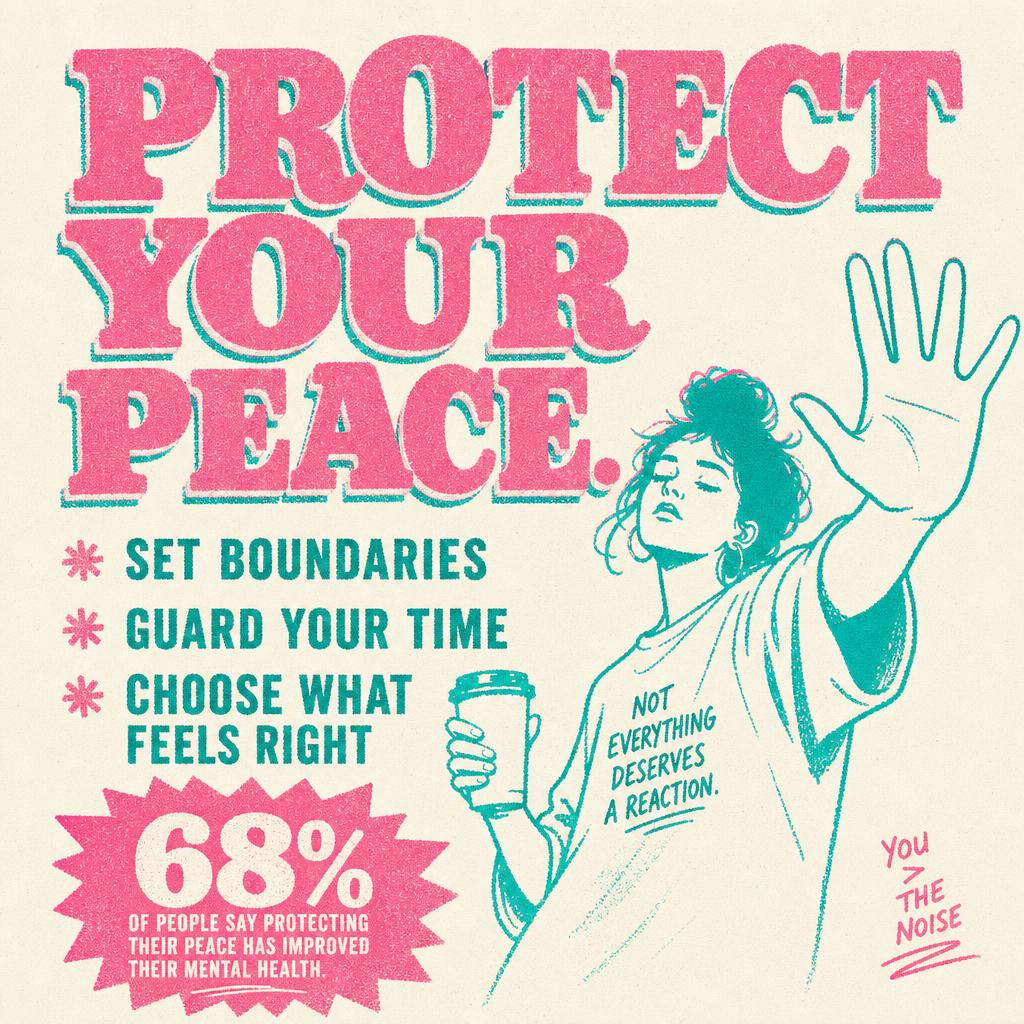
The problem
You wrote it. Nobody pictured it.
- ✗You ran the meeting. You sent the recap. Half the team still asks what was decided.
- ✗You wrote a post you're proud of. It sits there with 3 likes and a stock photo of a handshake.
- ✗You launched the roadmap in Notion. Nobody opened it twice.
- ✗You're not an artist. So your ideas go out looking like everyone else's.
The dream — for meetings
Imagine if every meeting ended with a picture — not a paragraph.
One illustration that captures the decision, the why, and the next move. Drop it in Slack. Pin it in Notion. Put it on the wall. The whole team is suddenly on the same page — because they're literally looking at it.
The dream — for posts
Imagine if every post shipped with an illustration made for it — because the words are yours.
Paste the post. Pick a style. Get a custom illustration built from your words — ready for LinkedIn, Instagram, TikTok, your newsletter, wherever you publish. No prompt engineering. No hours of tweaking.
How it works
Create your custom visual in minutes — no prompts.
Paste it
Transcript, notes, voice-memo dump — anything. No formatting required.
Pick a style
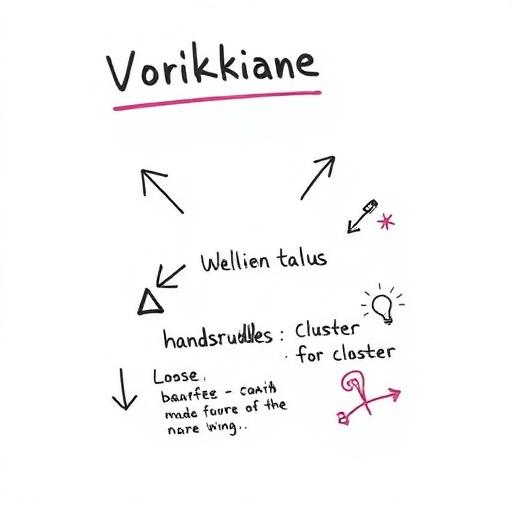
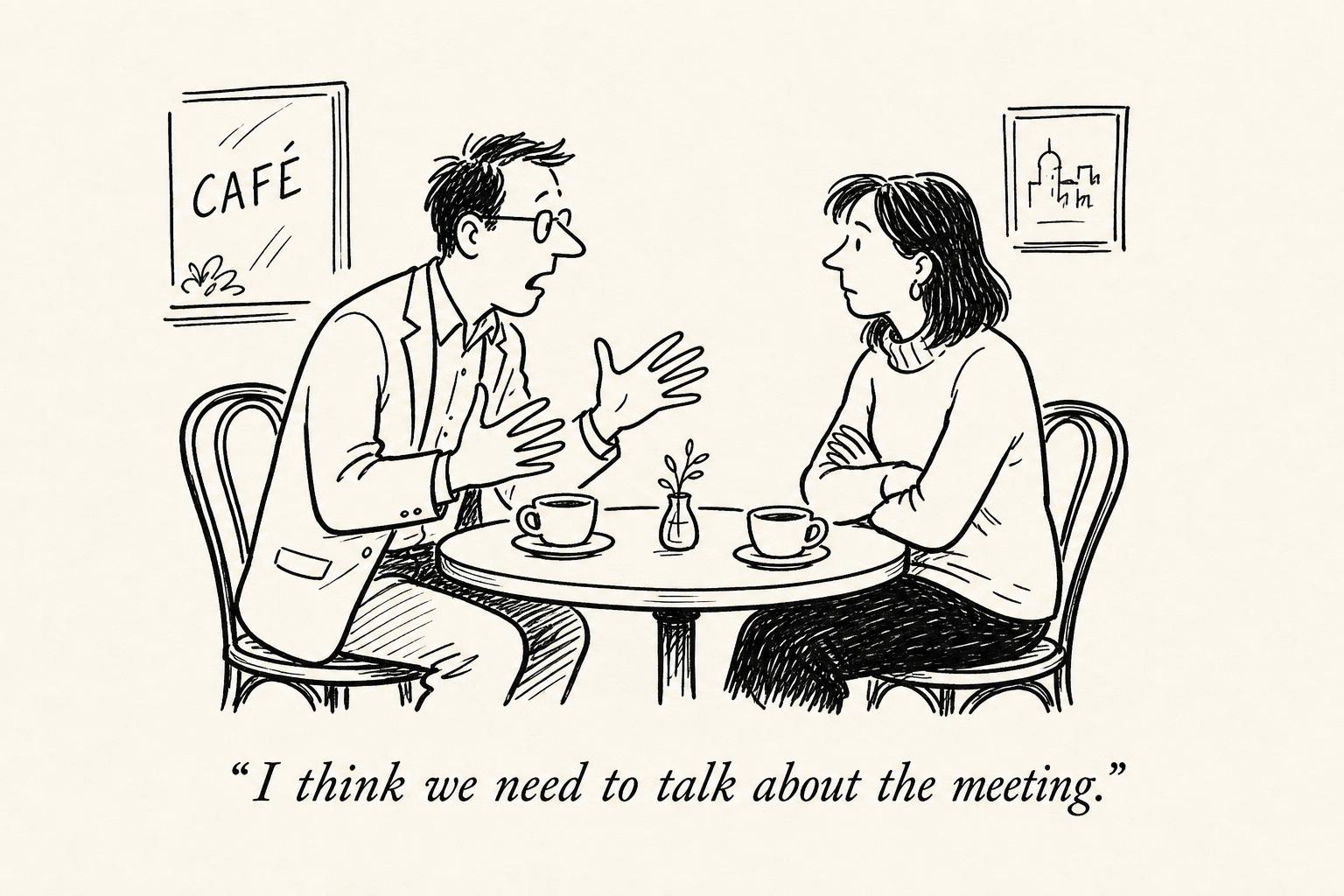
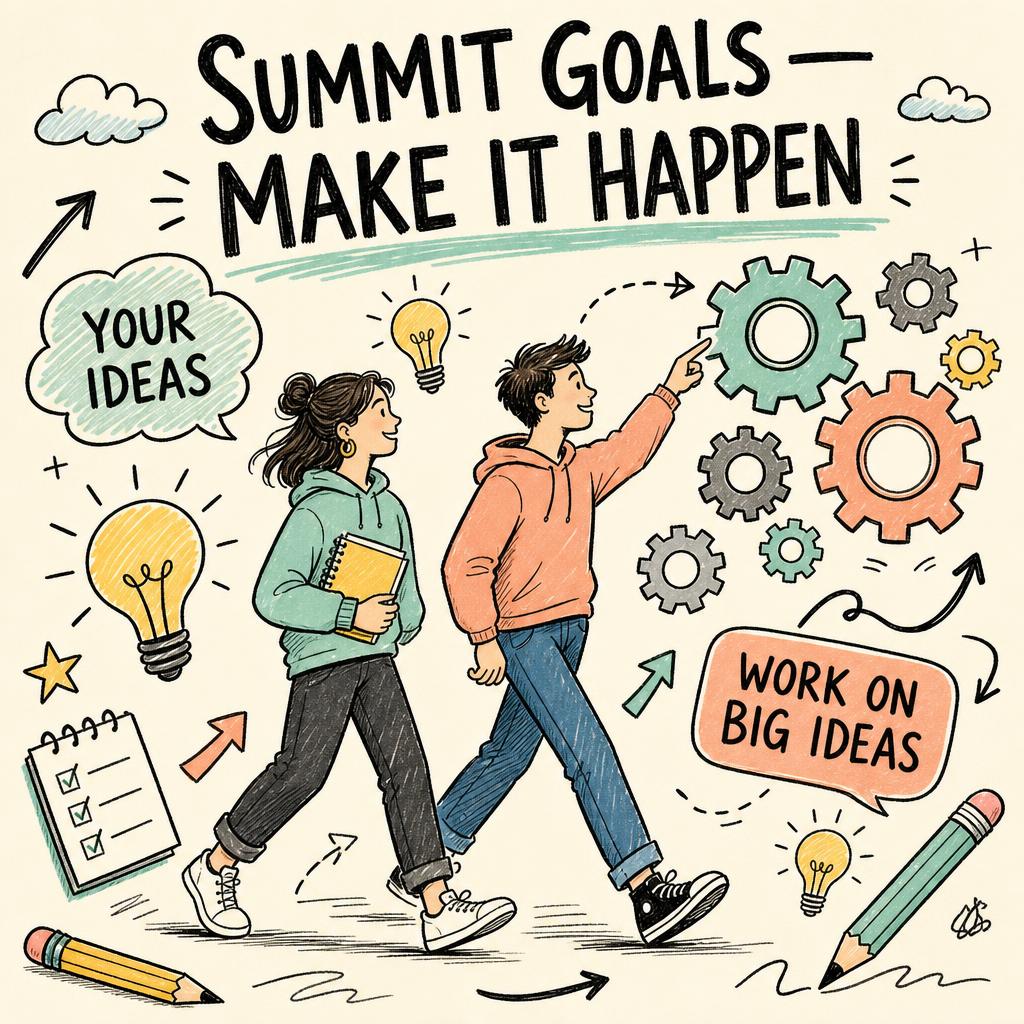
Whiteboard, sketchnote, editorial cartoon, vision board, social post. You'll feel which one fits.
Ship the visual
Pick Feed (4:5), Square or Slide (16:9). A few minutes later, copy it in one click and paste it straight into LinkedIn, Slack or your deck.
Paste → pick a style → ship the visual. That's the whole app.
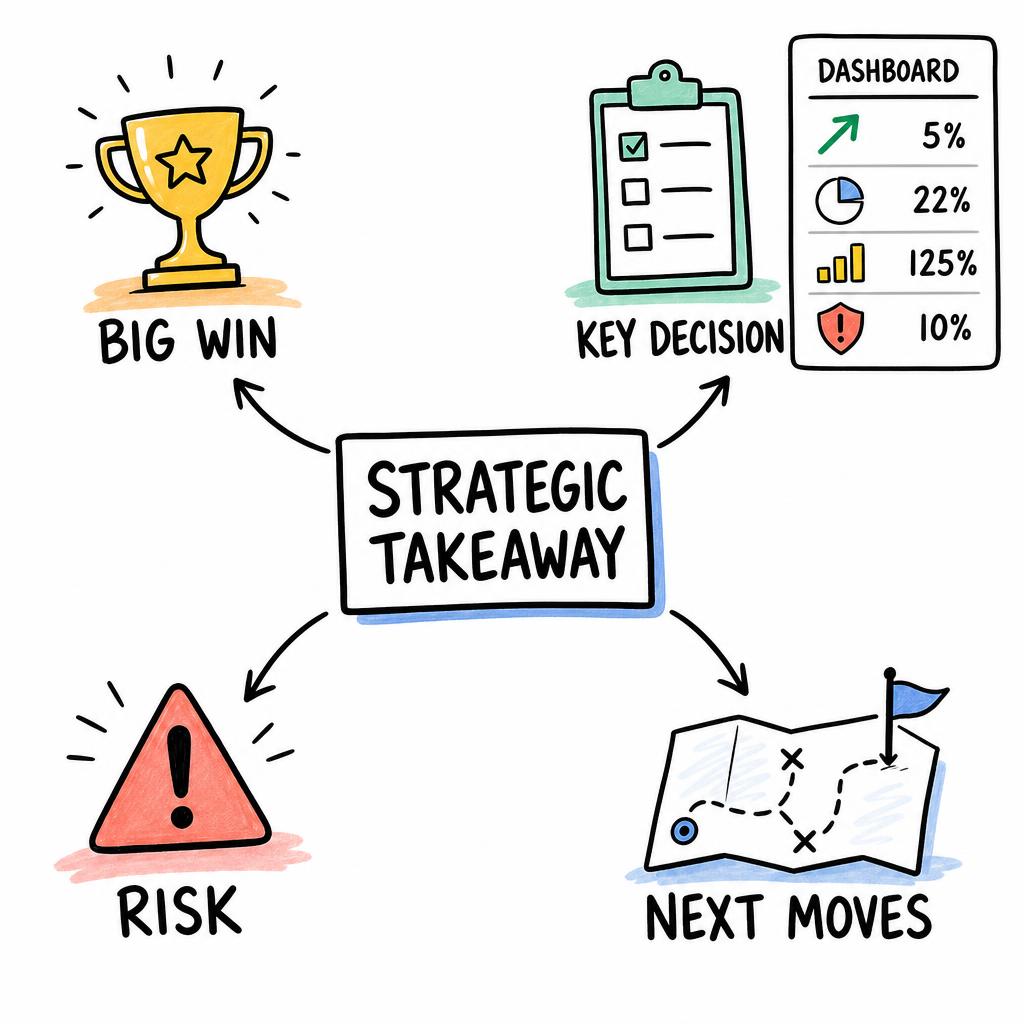
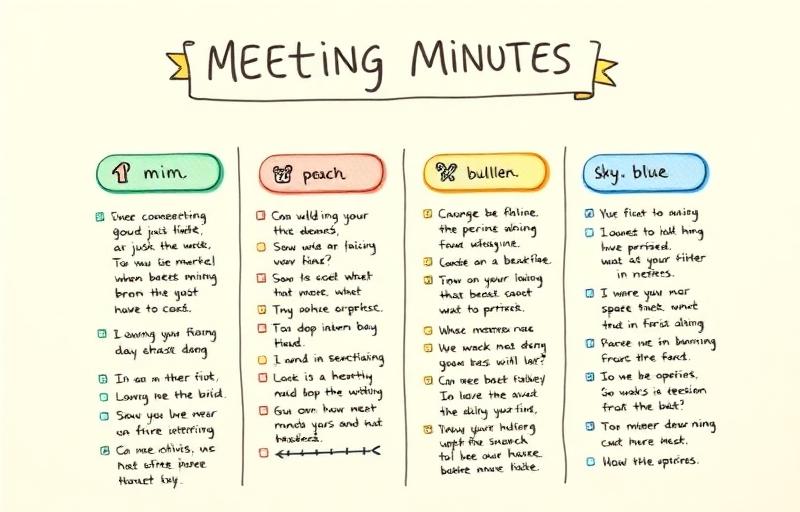
One tool. Fourteen styles. Pick your weapon.
Same transcript. Wildly different visuals.
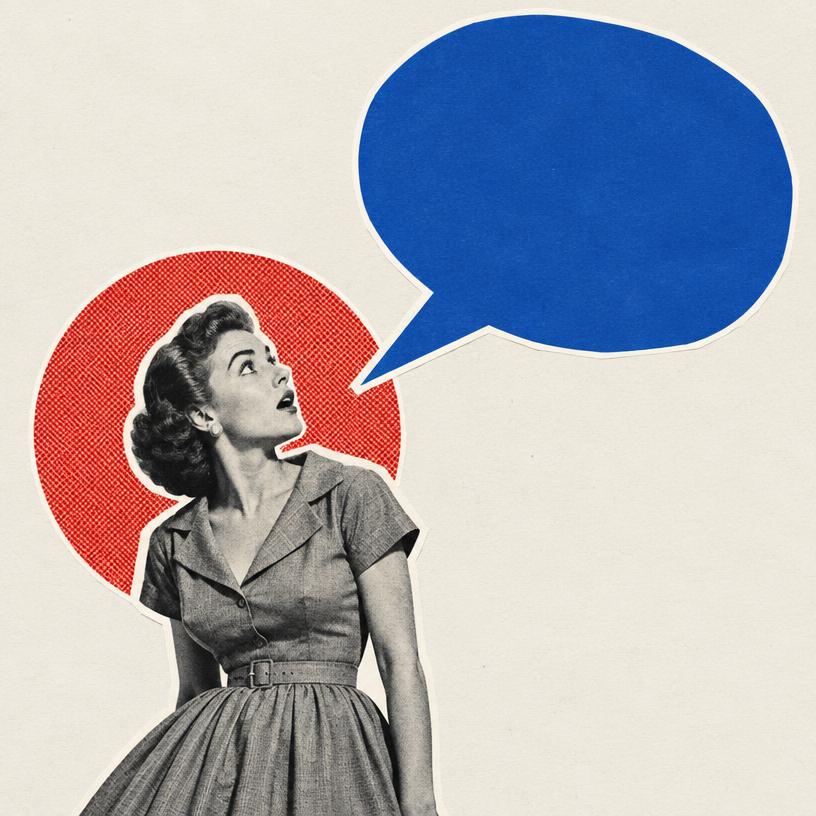 new
new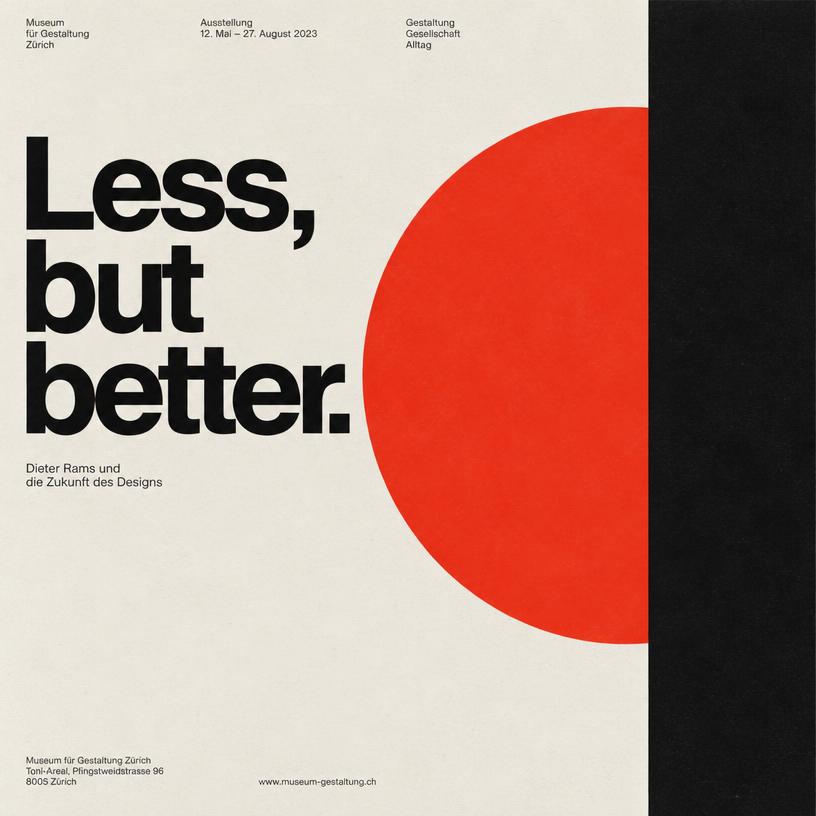 new
new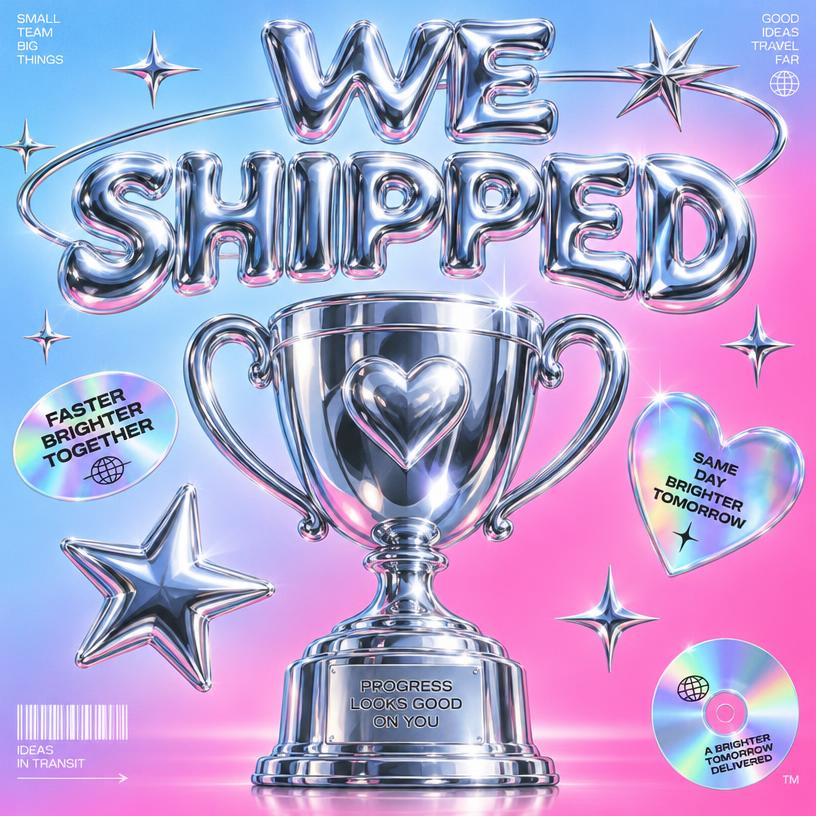 new
new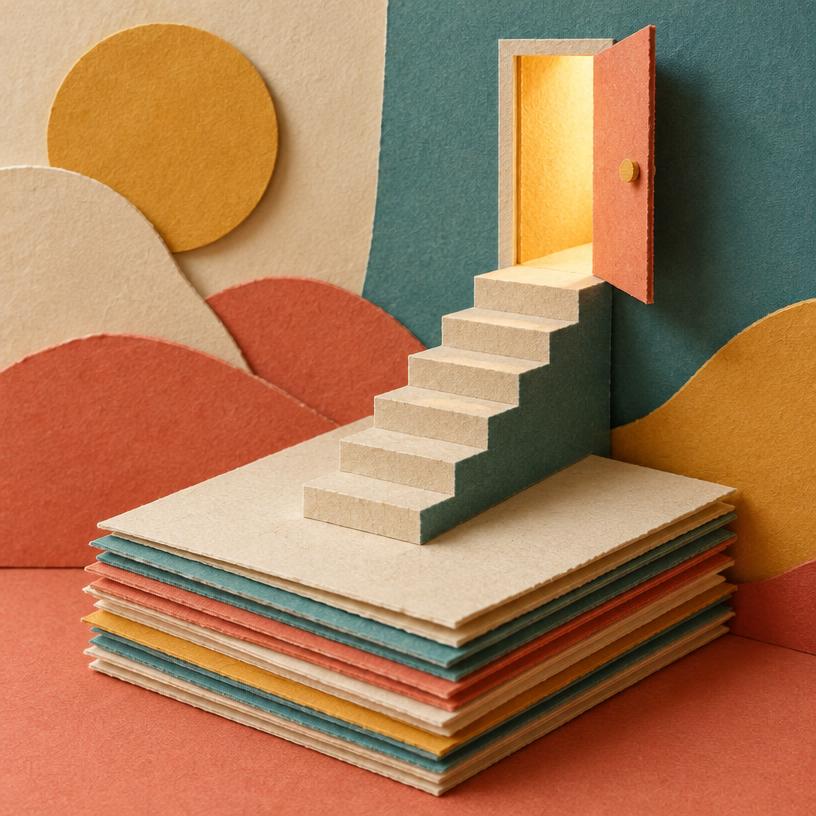 newbetabetabeta
 beta
beta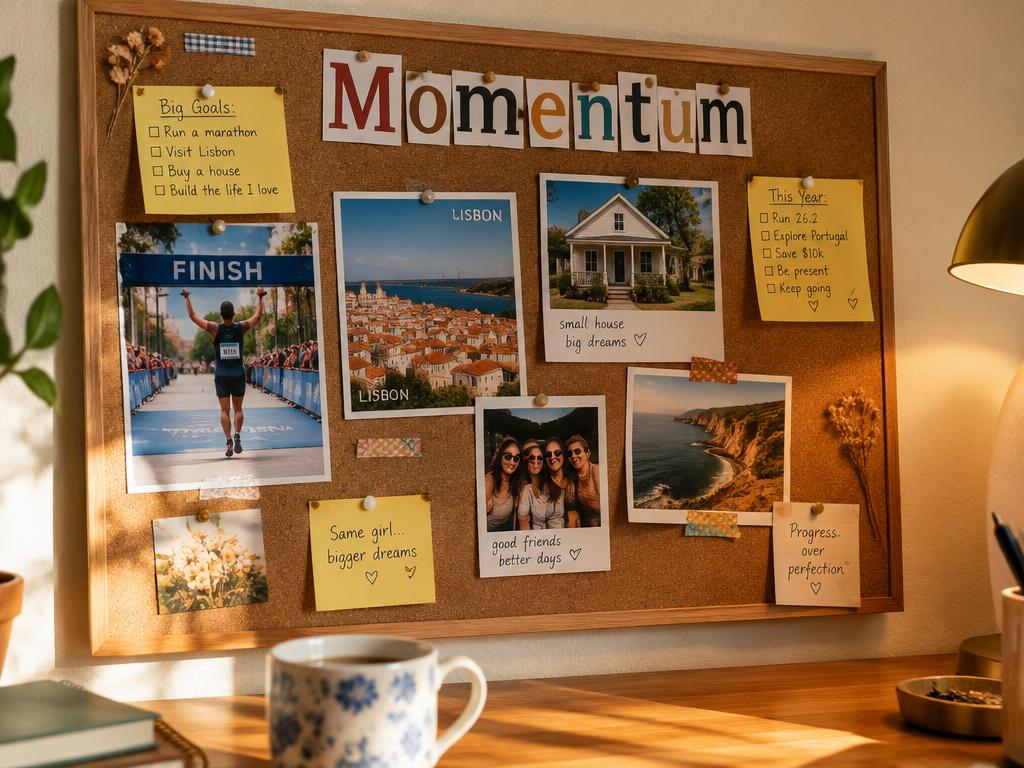 betabeta
 beta
beta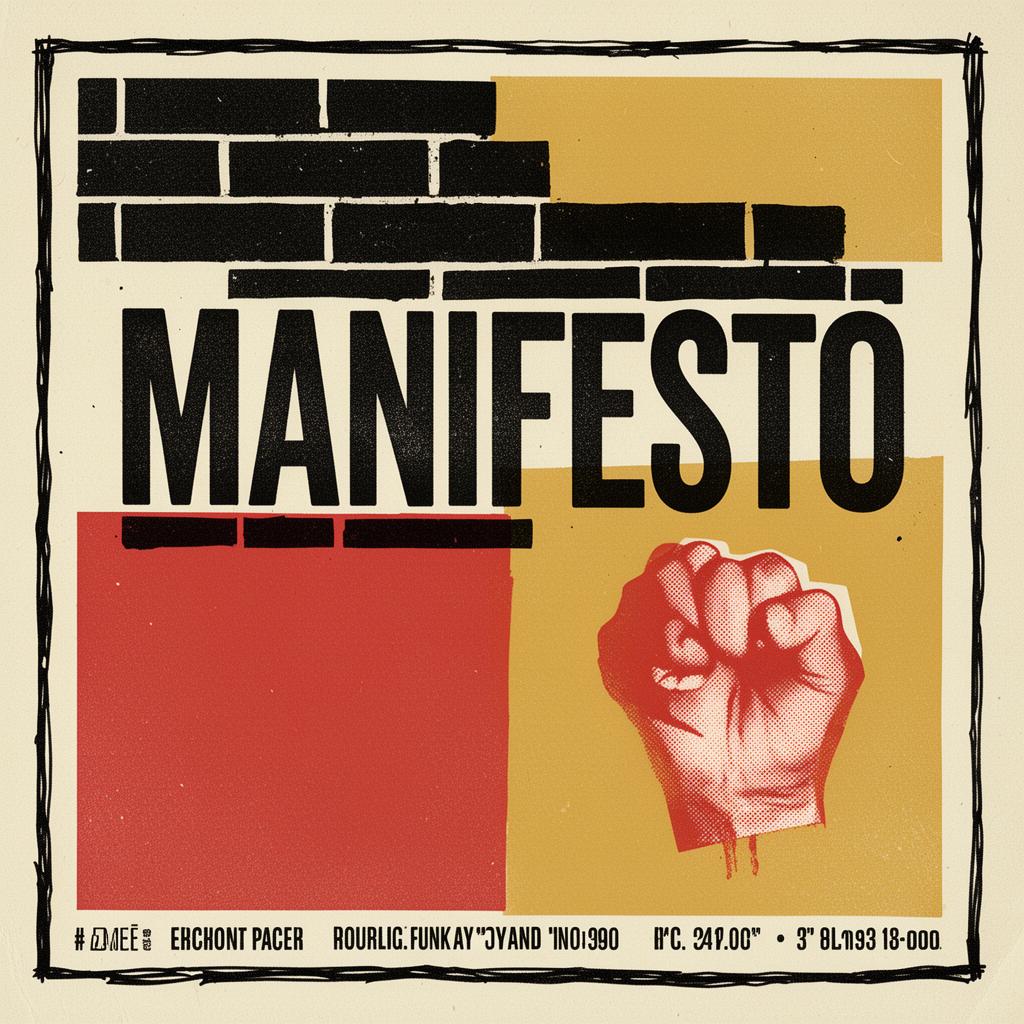 beta
beta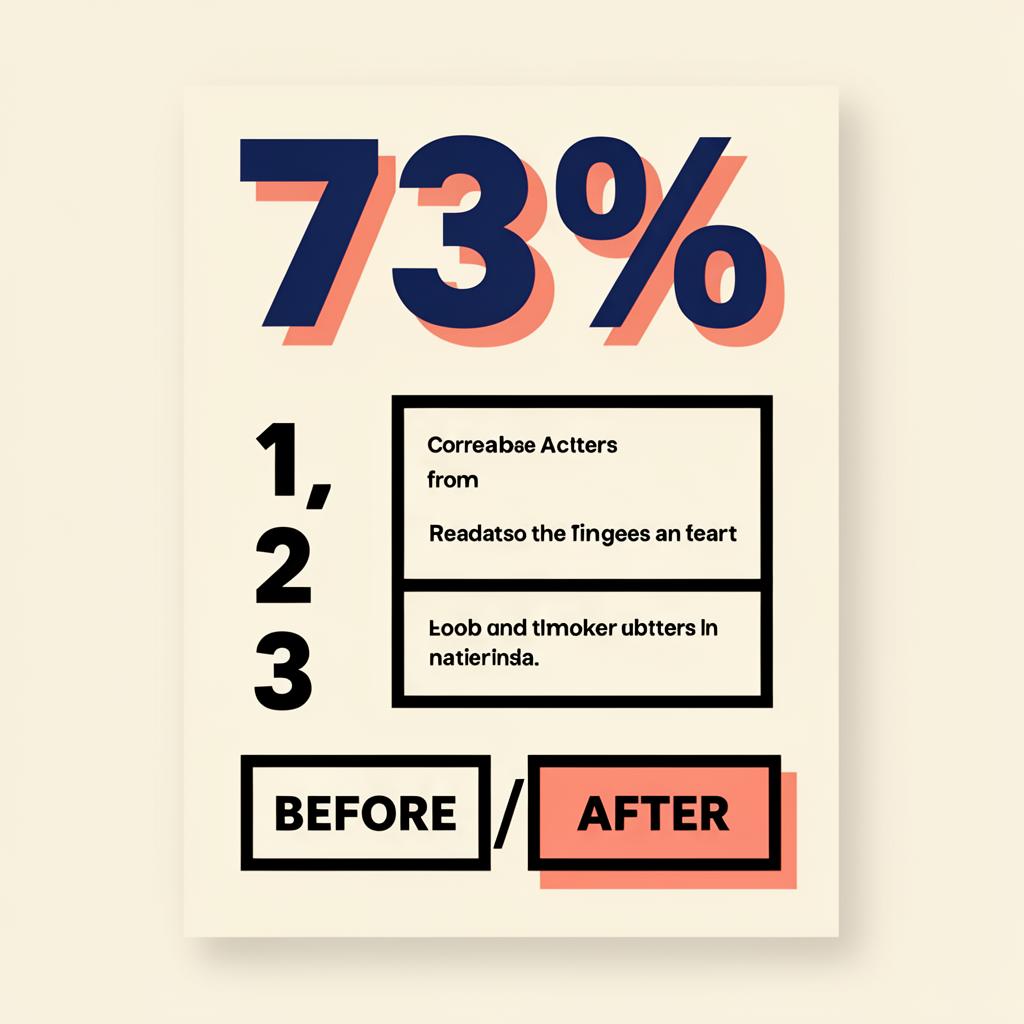 beta
beta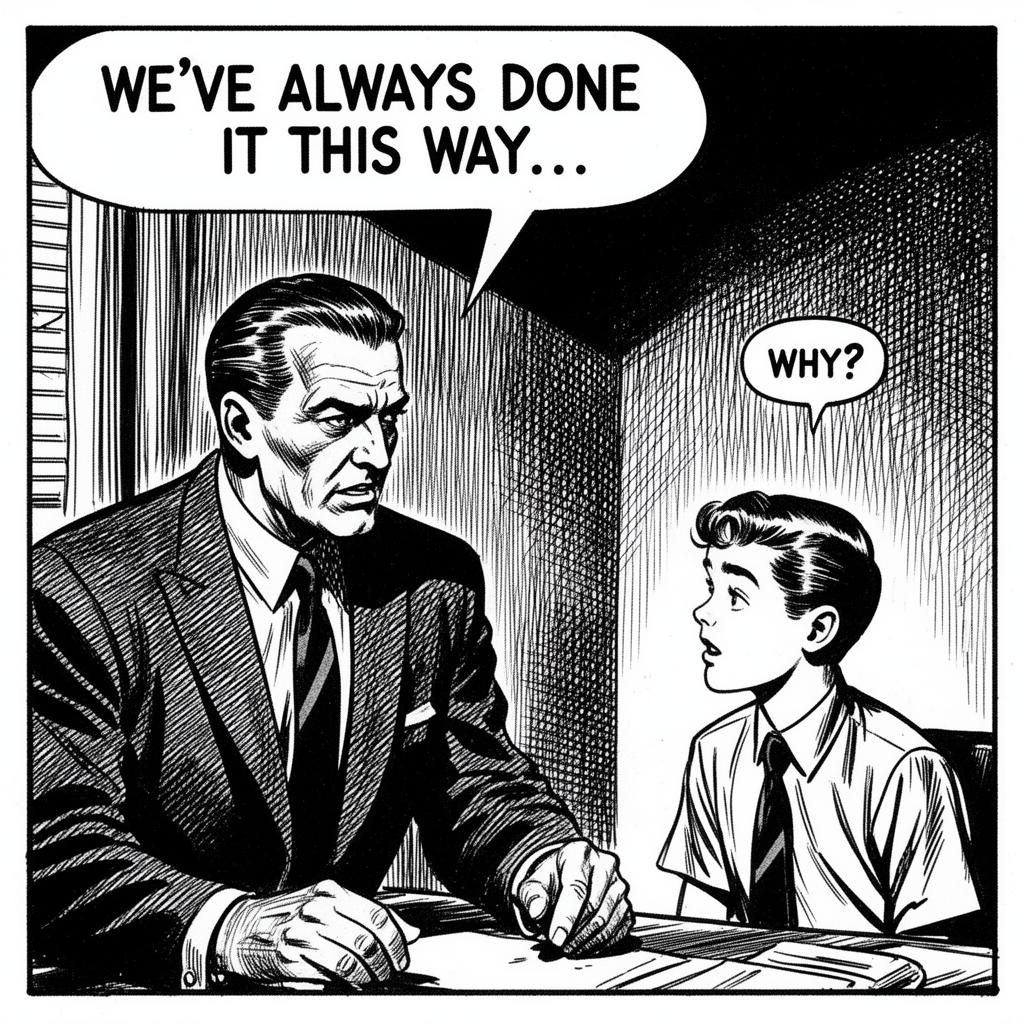 alpha
alphaThe offer
Try it Free. No subscription.
Buy lifetime credits. Reload.
Start with 4 free credits, then buy a credit pack when you need more. Works just like a Starbucks card — you use, you reload.
Beta pricing. Patience appreciated. You get the early rates. We get your feedback. Fair trade.
Free Trial
- ✓4 lifetime credits (enough for 2 renders)
- ✓No watermark
- ✓Email verification required
- ✓Great for trying your first renders
Standard
- ✓100 render credits (50 renders)
- ✓No subscription
- ✓Buy once, use anytime
- ✓Good for regular projects
Pro
- ✓440 render credits (220 renders)
- ✓Lowest cost per render
- ✓Best for frequent use
- ✓No subscription
Credit rules
- · New render = 2 credits (any style, any length, any aspect)
- · Upscale to 2K or 4K = free
- · Animate to LinkedIn MP4 = 6 credits
- · Failed renders aren't charged
Billing
One-time purchases. No subscription, no surprise charges. Credit purchases are final once credits are used.
Quick answers.
- Who is this for — and who is it not for?
- For you if: you want a custom illustration for your post, newsletter, or meeting recap, fast, without writing prompts. Paste your words, pick a style, ship it. Not for you if: you need pixel-level control, detailed specs, or heavy prompt engineering — for that, use Midjourney or a general-purpose image model.
- Is this just stock illustration with my words slapped on?
- No. Every visual is generated from scratch based on what was actually said in your meeting. Different transcript, different visual.
- What if the result is bad?
- If a render fails on our end, you're not charged — we'll tell you right in the app. If it works but you don't love it, hit Redo: try again, tell it what to change, or keep your text and switch to a different style. Each new version costs 2 credits, and the original stays saved.
- What do I get on the free tier?
- 4 lifetime credits after you verify your email (enough for 2 renders). No card. No watermark. They don't refresh monthly — once you've used them, grab a credit pack to keep rendering.
- How do credit packs work?
- Two packs: Standard ($29 for 100 credits) or Pro ($99 for 440 credits). Each render costs 2 credits. Buy once, use anytime. No subscription, no auto-charging. Credits don't expire.
- What sizes can I make?
- Social styles come in Feed (4:5 portrait — the most room in a LinkedIn or Instagram feed), Square (1:1) or Slide (16:9) for decks and blog headers. Every image can be sharpened to 2K or 4K for free.
- Can I put myself in the picture?
- Yes. Upload 3–5 photos of yourself once (5 gives the best likeness). The first time you use a style, we draw your look in that style for 2 credits — approve it, and every future image in that style uses the same you. Your photos stay private and you can delete them anytime.
- Will it make up numbers or dates?
- No. Stats, dates and names only appear if they're in your text. Infographics show you the facts first so you can fix them, and styles that need specific details (like a launch or a goal) ask for them instead of guessing.
- Do I own the output?
- Yes. Commercial use included. Pin it, print it, post it, sell the t-shirt.
- Will my transcript be used to train anything?
- No. Your transcripts stay yours. We don't train on customer content.
Stop writing recap emails.
Start shipping visuals.
4 free credits to start. No card. About a minute to your first visual.
Hidden treats below ↓